
Best Professional Used Laptops Guide 2026: Dell vs Lenovo vs MacBook
Dell Latitude vs. Lenovo ThinkPad: Which is Best for Business Needs?
When looking to buy a second-hand laptop for professional and business use, two brands instantly come to mind: Dell Latitude and Lenovo ThinkPad. Both are corporate favorites worldwide. But which one offers better long-term durability and value for your money? Let’s find out.
Build Quality and Durability
- Lenovo ThinkPad: Famous for passing military-grade (MIL-SPEC) testing. Its robust carbon-fiber body can easily survive accidental drops and rough daily usage.
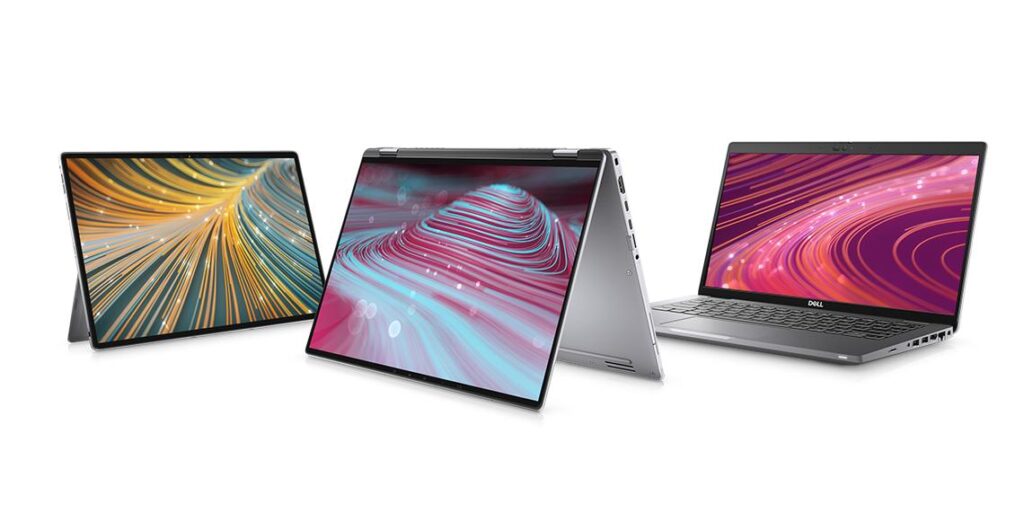
- Dell Latitude: Offers a sleeker, more modern, and slim professional look. It is highly durable yet designed to be lightweight and stylish for meetings.
- Keyboard Comfort and Typing Experience
If your job involves heavy typing, coding, or data entry, the Lenovo ThinkPad reigns supreme. Its tactile, ergonomic keyboard is globally recognized as the best. However, the Dell Latitude also offers a soft, quiet, and extremely comfortable typing experience that won’t disappoint you.
Formaid Verdict: If you need a rugged machine for heavy workloads and superior typing comfort, go for a refurbished Lenovo ThinkPad. If you prefer a premium, slim design that is easy to carry during travels, a used Dell Latitude is your best match.
Is a Used Apple MacBook Worth Buying in 2026?
With the skyrocketing prices of brand-new MacBooks, buying a refurbished or used Apple MacBook in 2026 is one of the smartest ways to save money. However, you need to choose wisely to ensure your investment lasts.
- Always Stick to Apple Silicon (M1, M2, or M3)
In 2026, you should strictly avoid buying older Intel-based MacBooks. Apple has completely transitioned to its own processors, and Intel Macs are no longer receiving major software support. - Unmatched Performance and Battery Life
A refurbished M1 or M2 MacBook Air or Pro will still easily outperform most brand-new budget Windows laptops. Plus, they offer an incredible 15+ hours of real-world battery life, making them ideal for creators, students, and professionals on the go.
Critical Checklist Before Buying a Used MacBook:
- Battery Health & Cycle Count: Always verify the battery health percentage and cycle count in the system settings.
- Display & Ports: Inspect the screen thoroughly for any bright spots or dead pixels, and ensure all USB-C/charging ports are working perfectly.